Skip to content
Abdulghafor Abbas.

AI product / SaaS / Own product, private beta

Meld.

A personal intelligence system: save anything, then ask for it later in plain language.

Notes apps ask you to be a librarian. Meld does the filing for you.

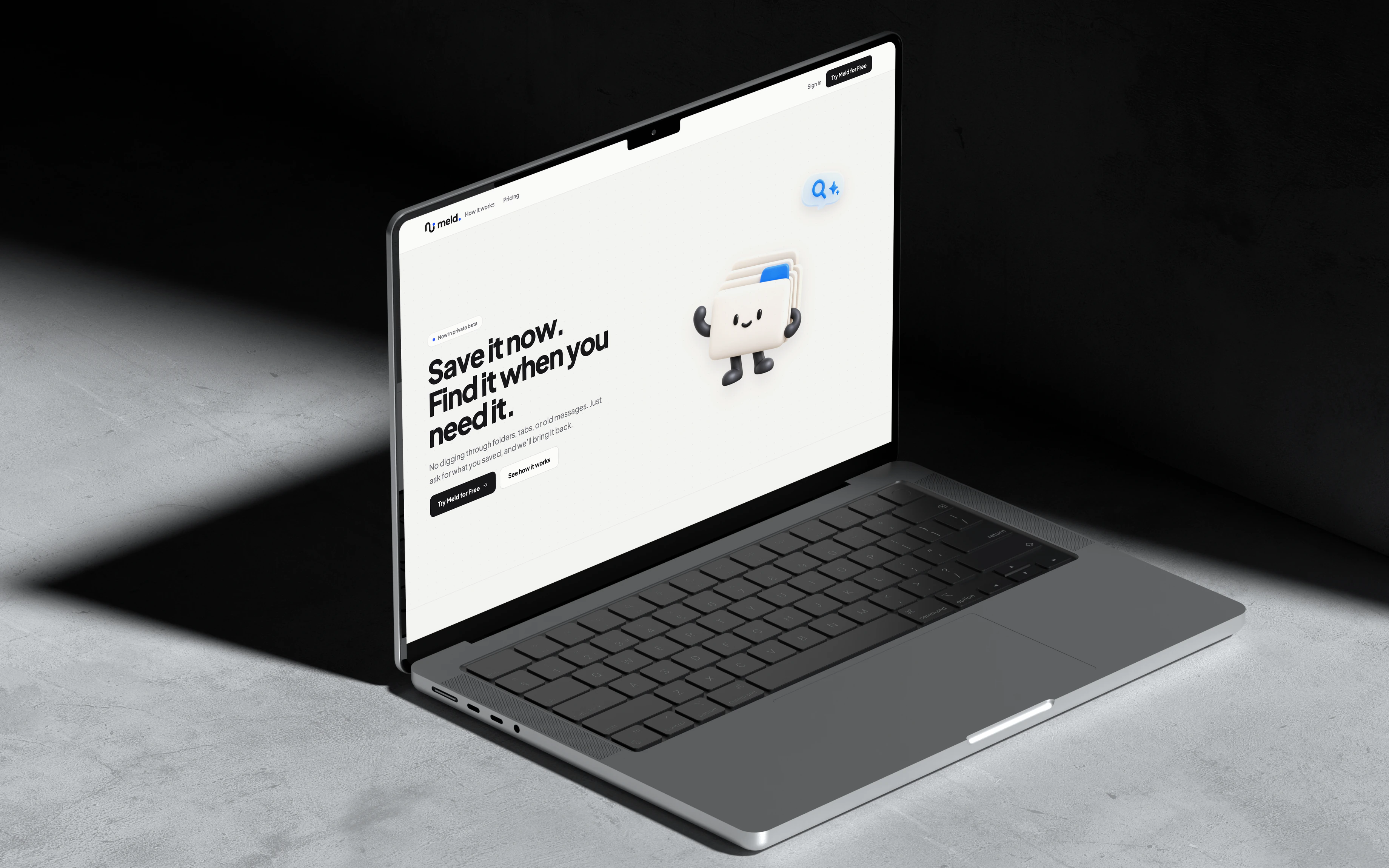
Meld's landing page on a MacBook Pro in a dark concrete room
Client
Own product
Year
2026
Role
Founder, product design, brand
Tools
Figma, React, Vite, Convex

Problem

The problem is not taking notes. It is fragmented thinking. Useful information arrives as a link in the middle of research, an idea on a commute, a PDF before an exam, a screenshot, a decision lost in chat, a voice note made while your hands are busy.

Most tools respond by asking people to become librarians: choose a location, name the page, add tags, build a database, and remember how it was filed. So people either don't save the important thing at all, or they save it into a pile they can never use.

How I fixed it

I designed Meld around one lifecycle that every piece of information follows: Capture, Understand, Connect, Act. The user's only job is to capture.

  • Capture is instant. Saving returns immediately; the intelligence runs in the background, so capturing never interrupts your flow.
  • Organization is derived, never filed. One capture becomes one note. The AI gives it a home and extracts topics and people, so there is no folder tree to maintain.
  • The user approves actions. Meld can propose a next step, but it never silently changes your tasks or plans.
  • Every state is visible. A capture is processing, ready, or failed. Nothing is lost quietly.

Solution

Meld is a web-first personal intelligence system with a friendly, honest character. Its mascot, a little stack of saved cards, carries the brand through capture, connection, empty states, and errors, so an AI product feels approachable instead of mysterious.
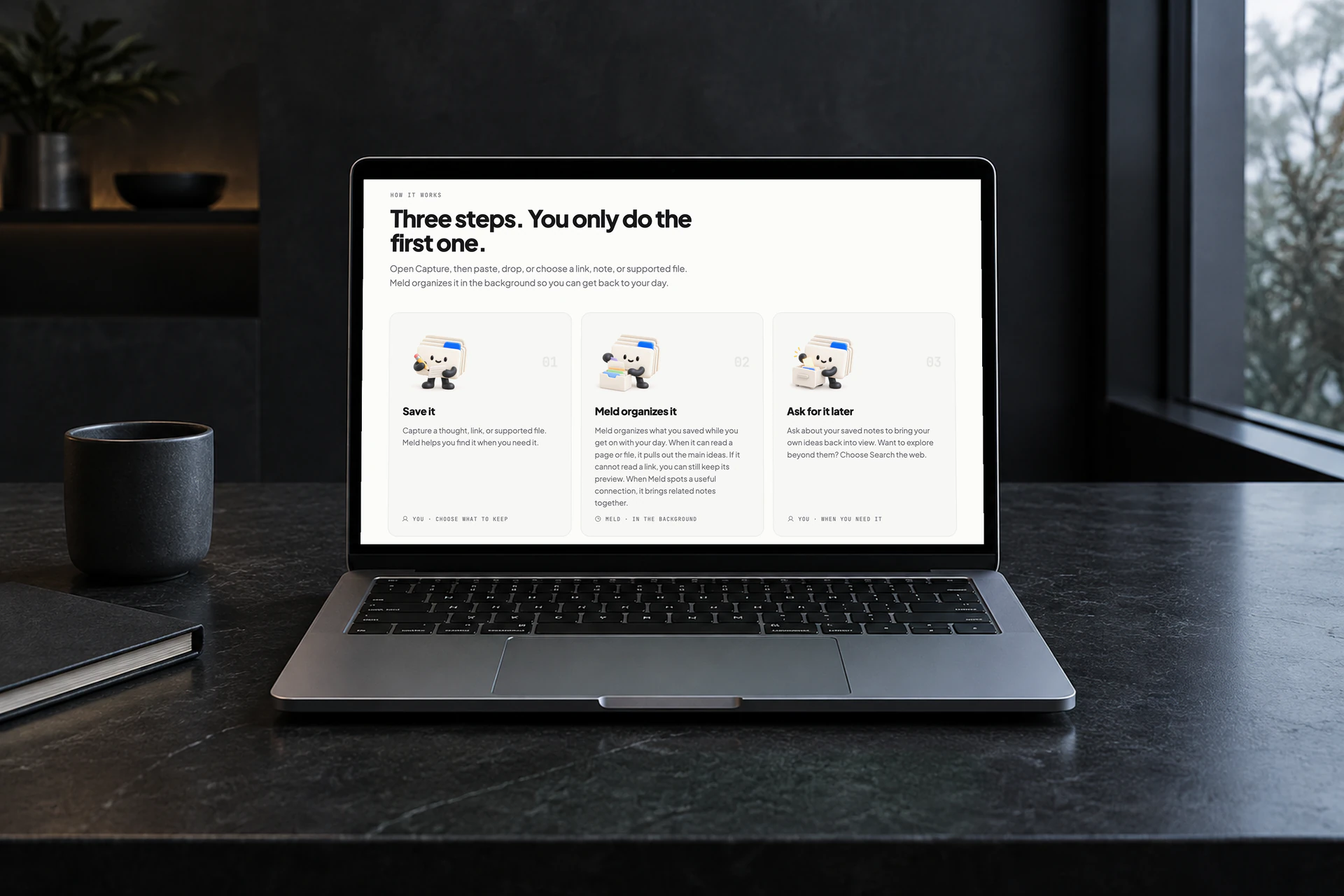
Meld's how-it-works section on a laptop: the mascot saves a note, organizes it and brings it back
The mascot walks each step: you save it, Meld organizes it, you ask for it later.

Who it's for

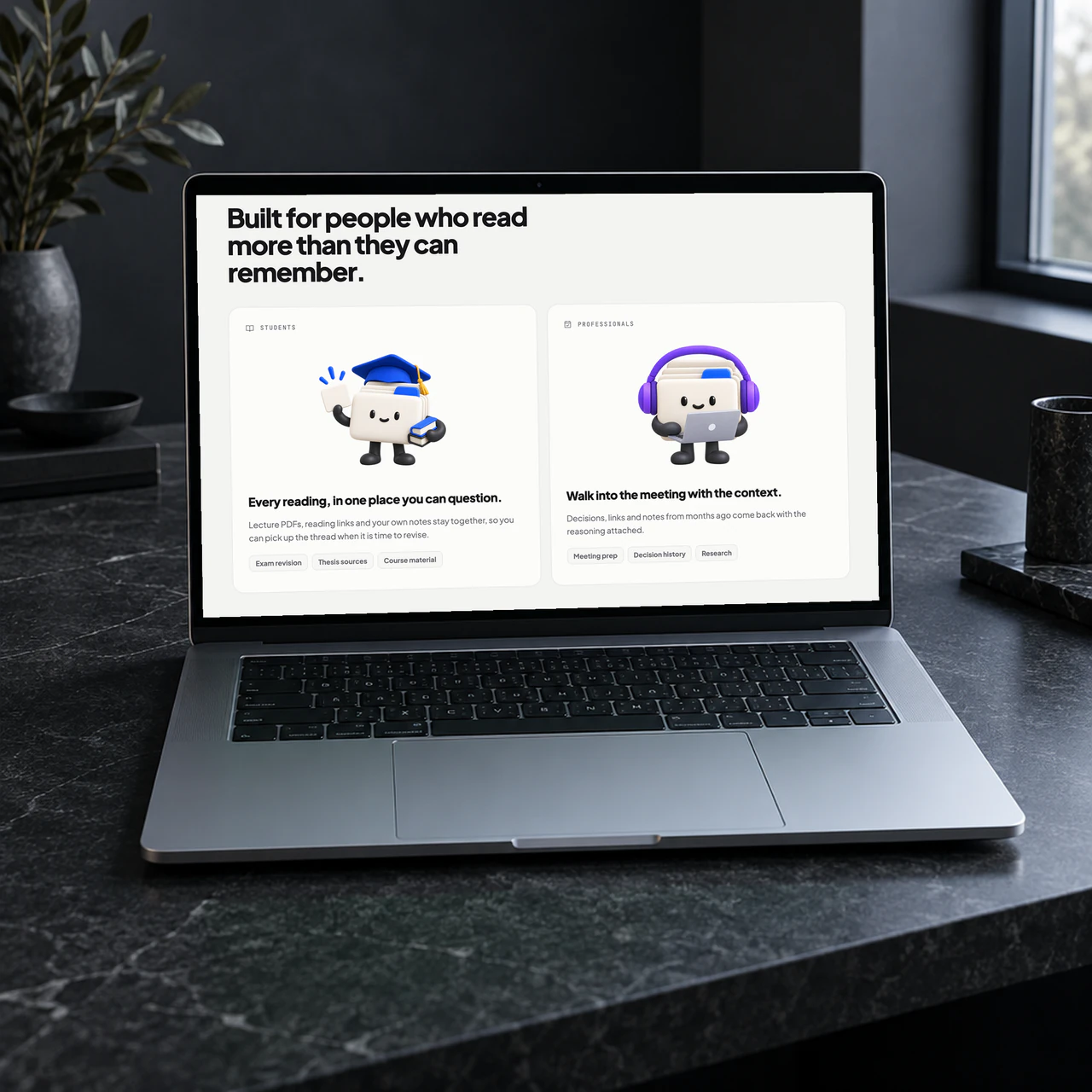
Meld's audience section on a laptop: the mascot as a student and as a professional
One character, dressed for students and for professionals.

Connect

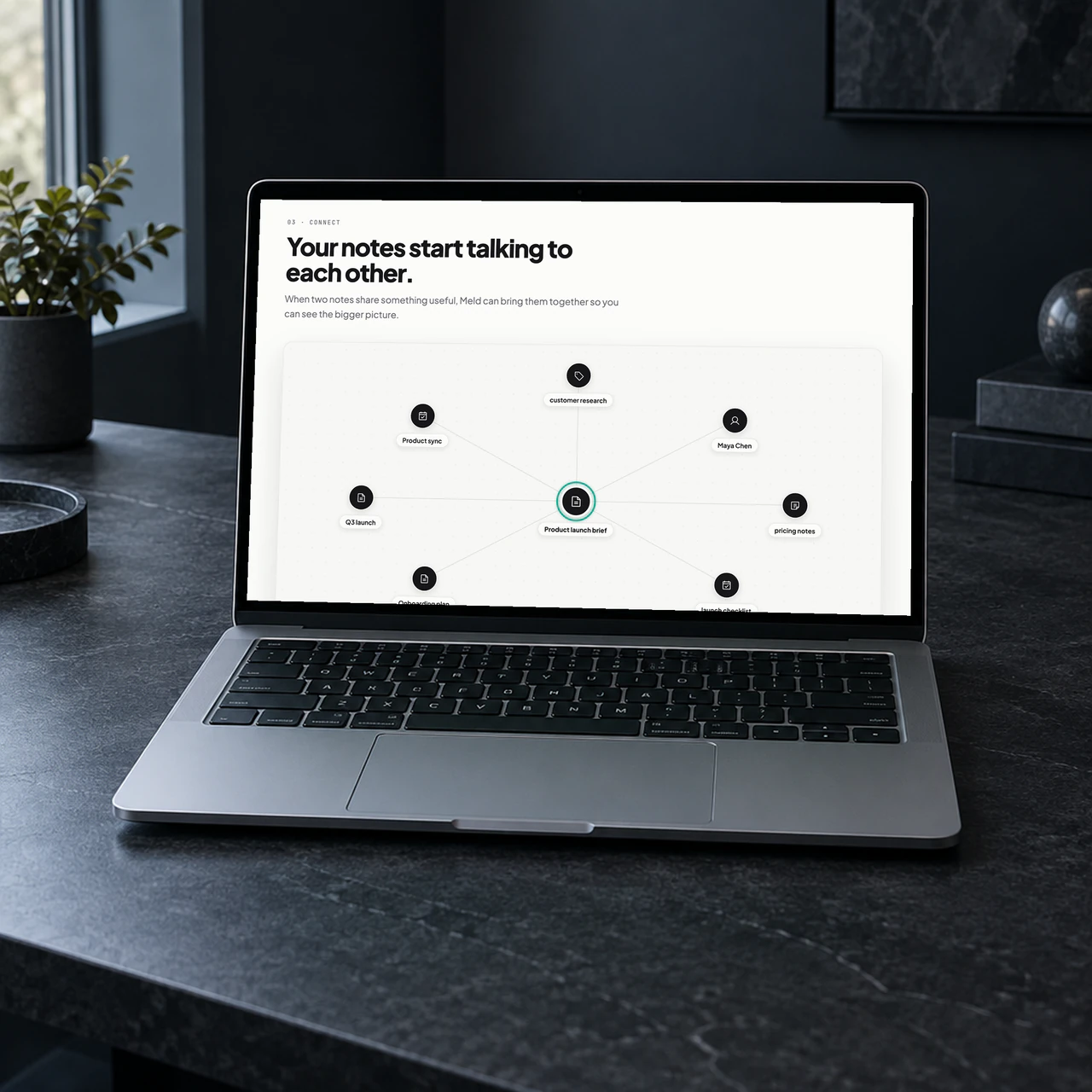
Meld's connect section on a laptop: saved notes linked around a product launch brief
Related notes find each other, so the bigger picture shows up.
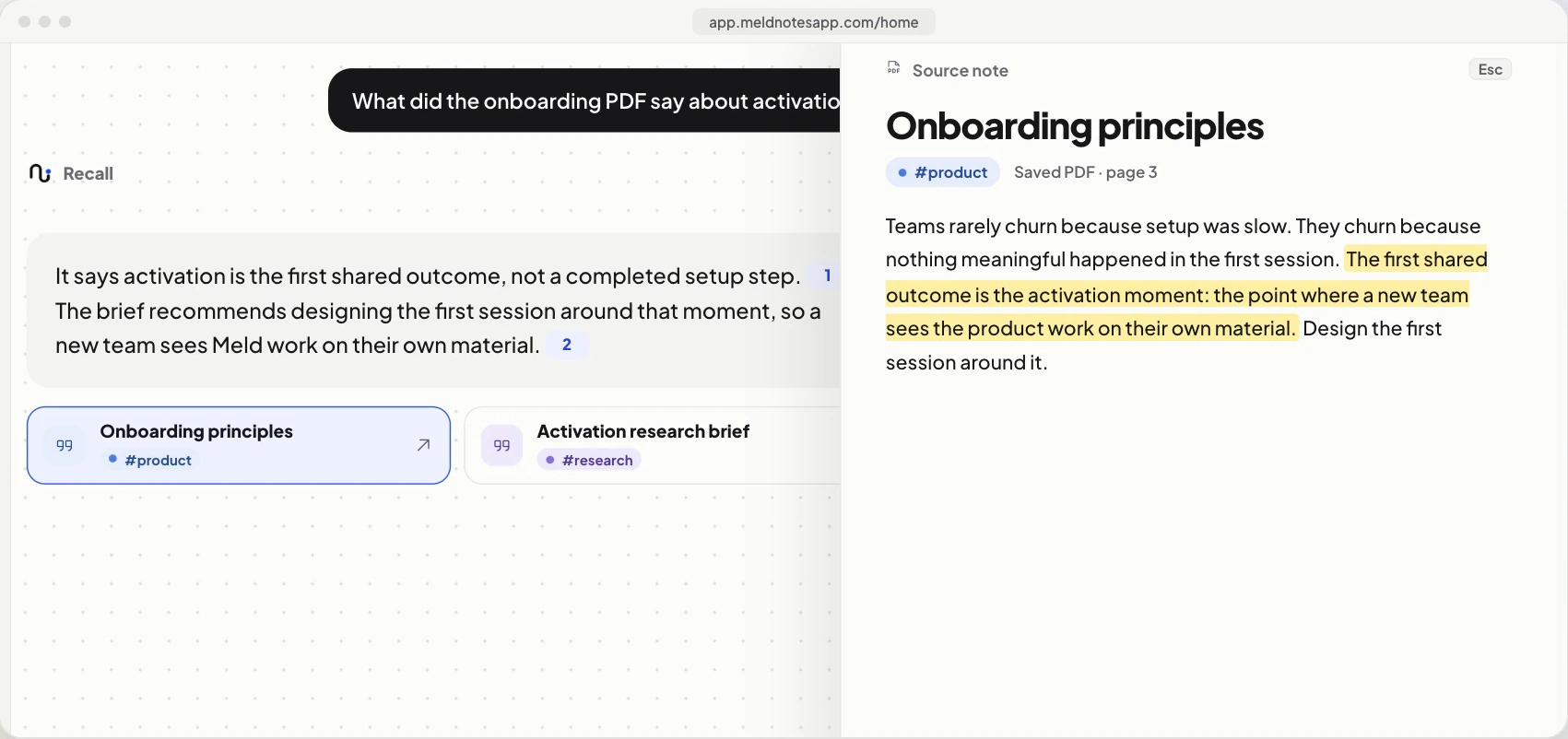
The Meld app answering 'What did the onboarding PDF say about activation?' with a cited answer, and the source note open beside it with the quoted passage highlighted
Ask in plain language; Meld answers from what you saved and opens the exact passage it used.

Results

Meld is in private beta. The launch promise is deliberately small and concrete: save anything, ask for it later. Save a link, thought, note, or file in seconds; see that it is processing or ready; ask for it in normal language; get a grounded answer with the original source.

Designing and building Meld end to end is also how I work with clients on AI products now: I know where AI genuinely helps, and where the interface has to keep the human in control.
Want results like these?

Tell me what you're working on. A 30-minute call is usually enough to know if I can help.

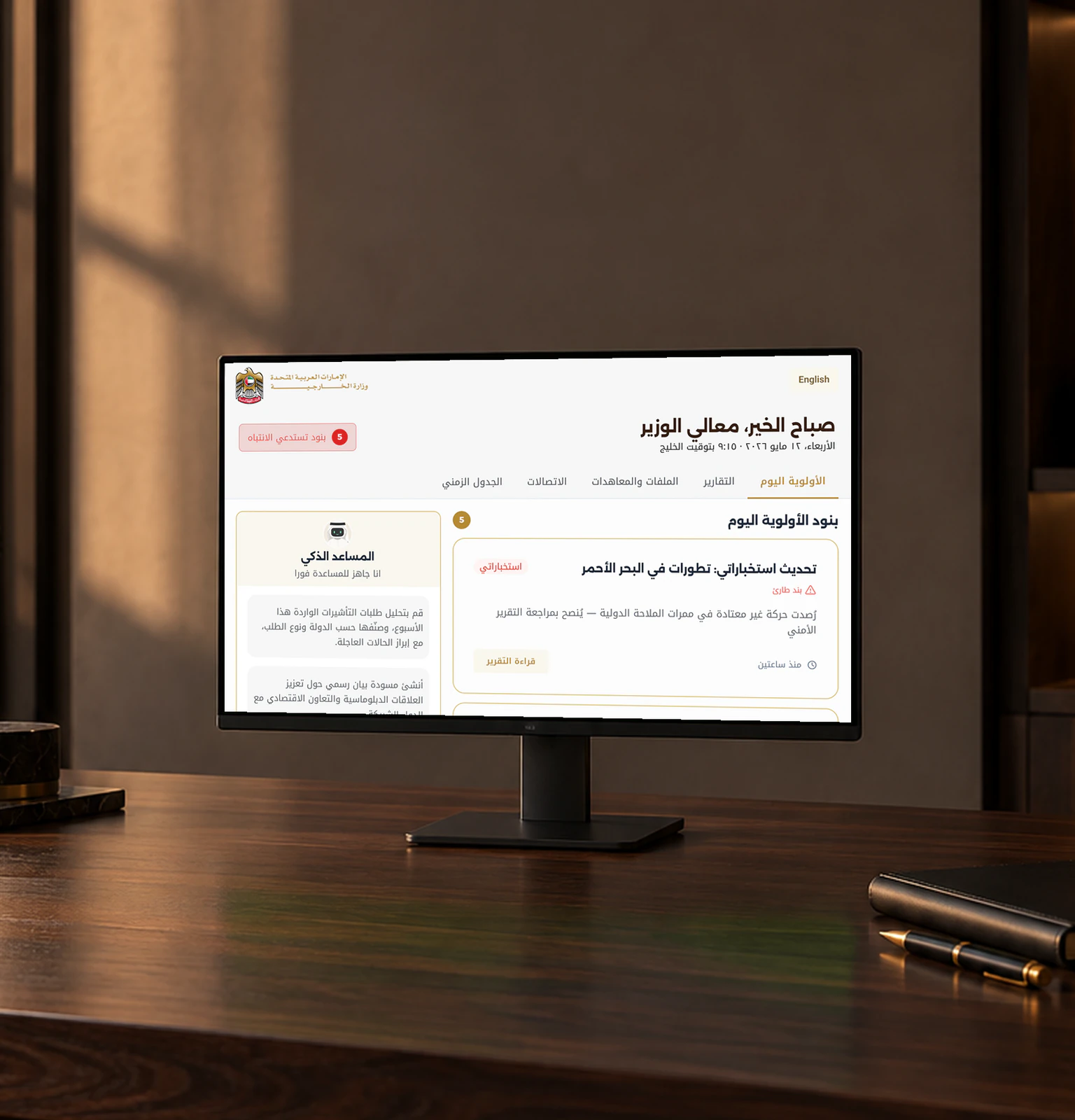
  1. The Arabic Minister's Desk dashboard on a monitor on a walnut desk
    01

    Government / AI product 2026

    Minister's Desk

    A morning dashboard for a minister with ninety seconds to spare, and an AI assistant that waits its turn.

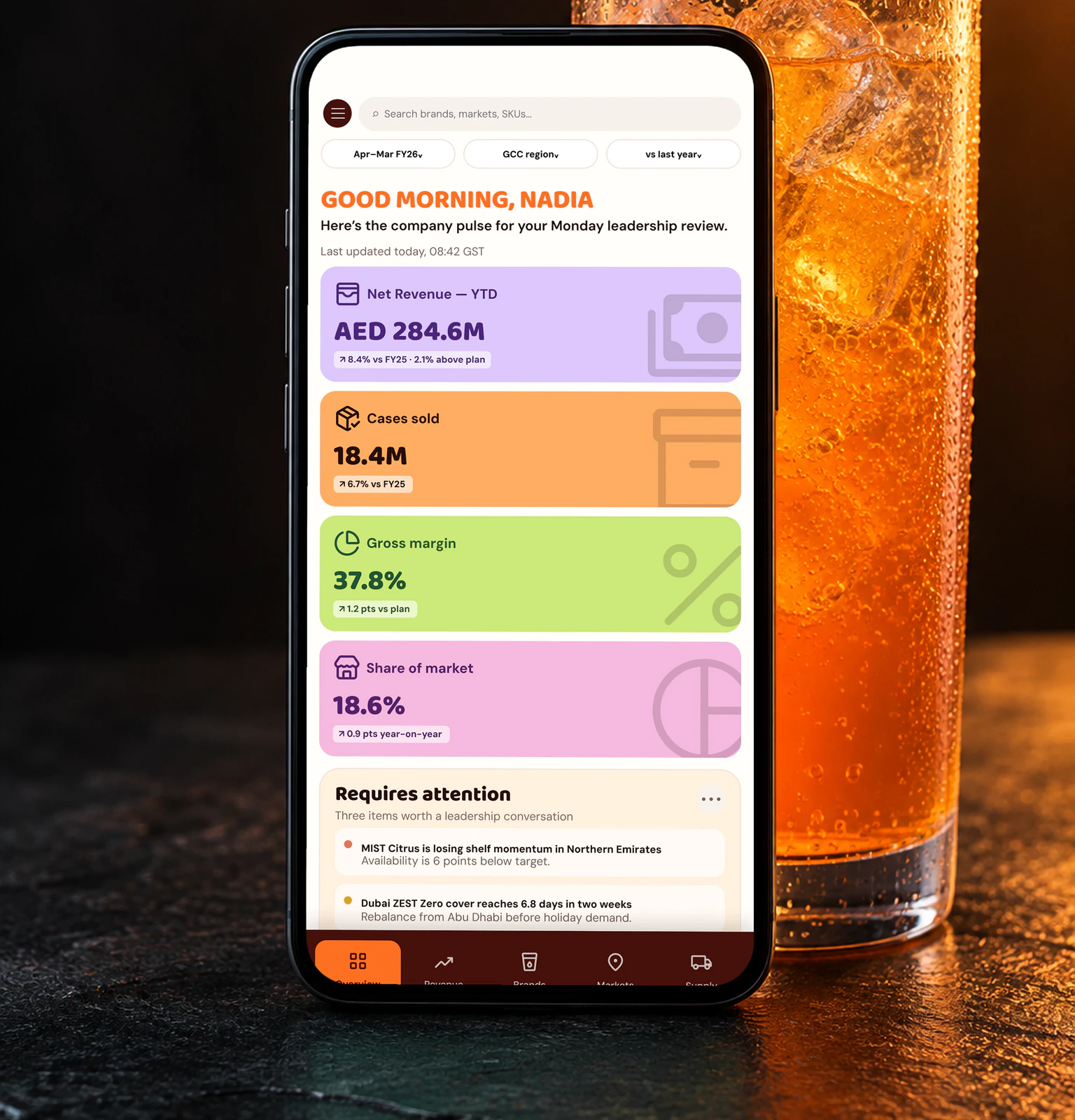
  2. The Fizz & Co mobile dashboard on a phone beside a glass of orange soda
    02

    Enterprise 2026

    Fizz & Co

    An executive performance dashboard for a soft-drinks CEO that feels like the brand, not like an admin panel.

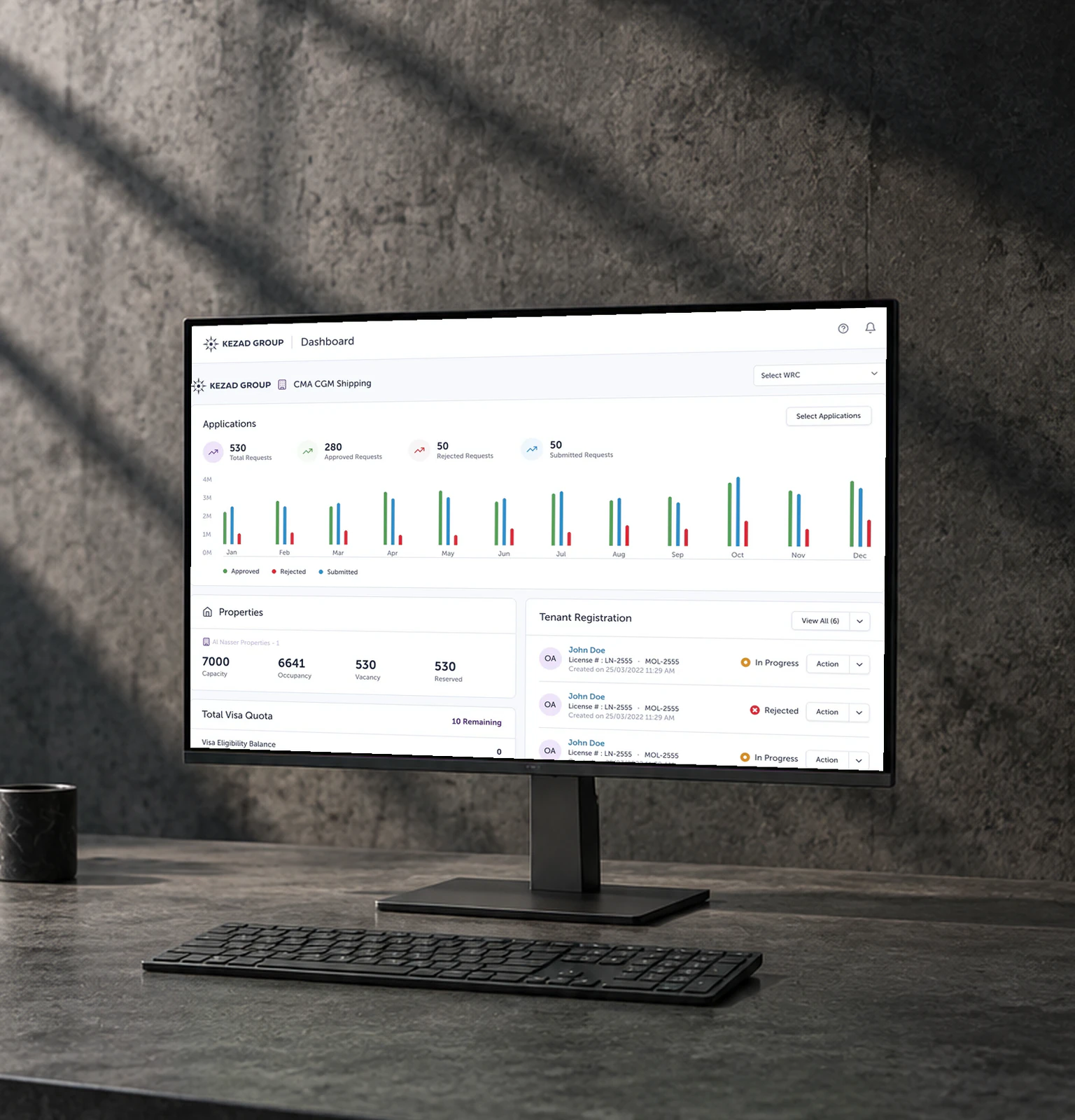
  3. The rebuilt ATLP dashboard on a monitor against a concrete wall
    03

    Enterprise 2026

    ATLP Design System

    A design system that only existed as an Adobe XD document. I rebuilt it as tokens and components that people and AI can both read, then rebuilt 94 screens on top.